
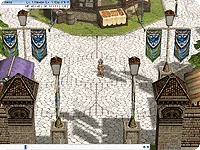
Camera Elevation

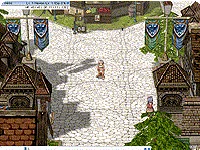

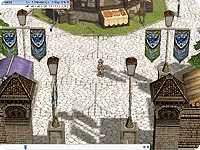
While holding the Shift key, drag the right mouse button up or down to adjust the camera angle within a certain range.
While holding Shift + Ctrl, drag the mouse wheel up or down to adjust the camera angle within a wider range.
Hover your mouse over the image to see an example.
Camera Rotation
Hold down the right mouse button and drag left or right to rotate the camera 360' around the character.
Hover your mouse over the image to see an example.
Camera Zoom In/Out
While holding the Control key (Ctrl), hold down the right mouse button and drag up or down to zoom the camera in or out toward the character. This can also be done with the mouse wheel.
Hover your mouse over the image to see an example.
※ The information on this website may be subject to change depending on game updates.